Claude for Desktop
Curioprompt MCP
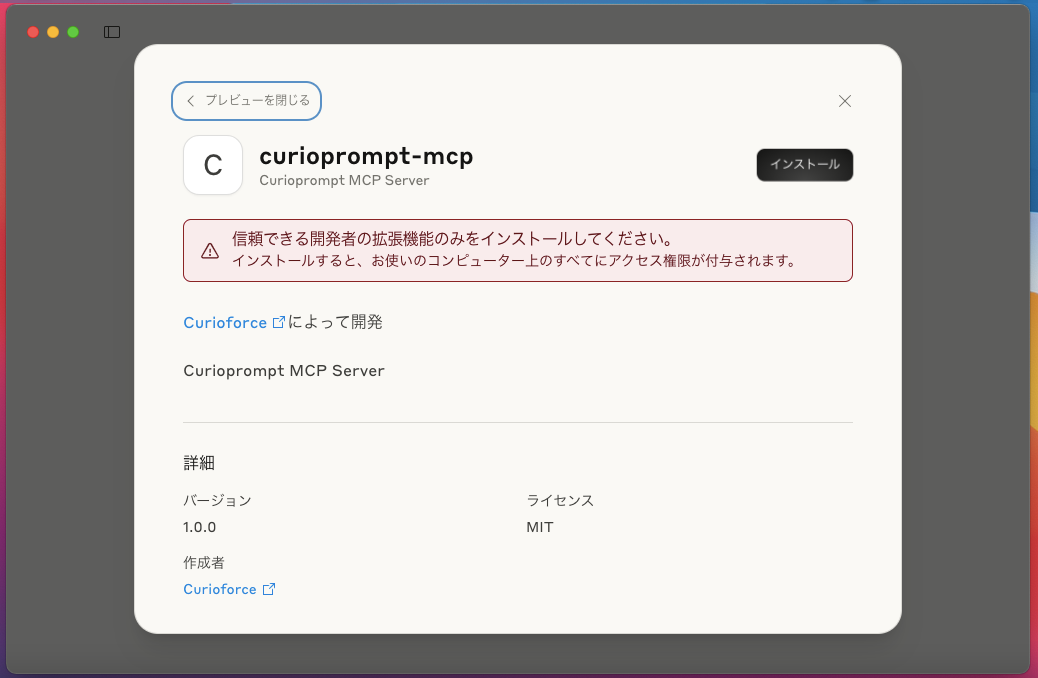
インストールは簡単です。Claude for Desktop を入れ、ダウンロードした .dxt を右クリックして Claude で開きます。
The installation steps are very easy. Install Claude for Desktop, then right-click the downloaded .dxt file and open it with Claude.
1
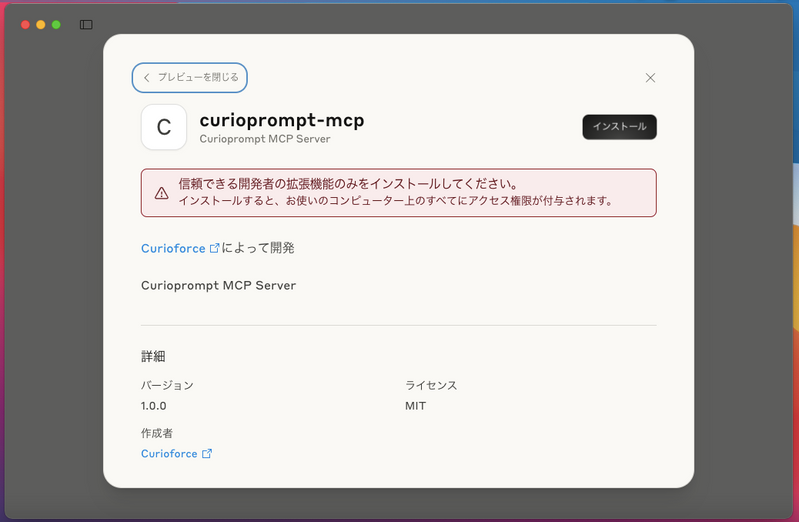
.dxt を Claude で開く
Open the .dxt with Claude
Python 3 の導入を求められたら、右上の黒い Install を押します。
If you are prompted to install Python 3 and already have it, click the black Install button at the top right.
2
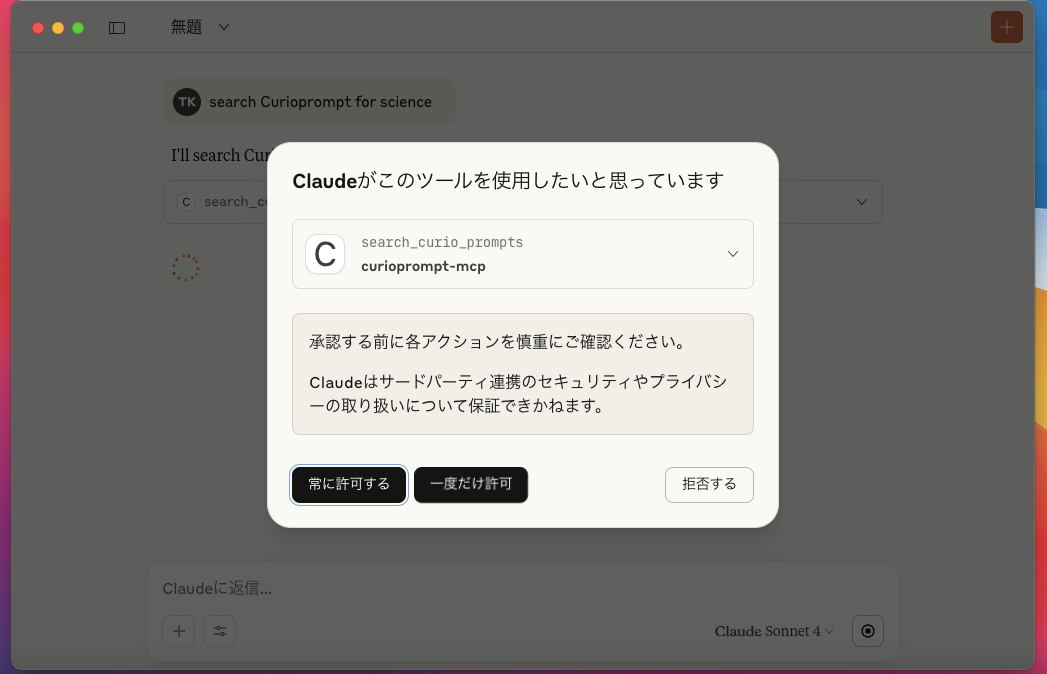
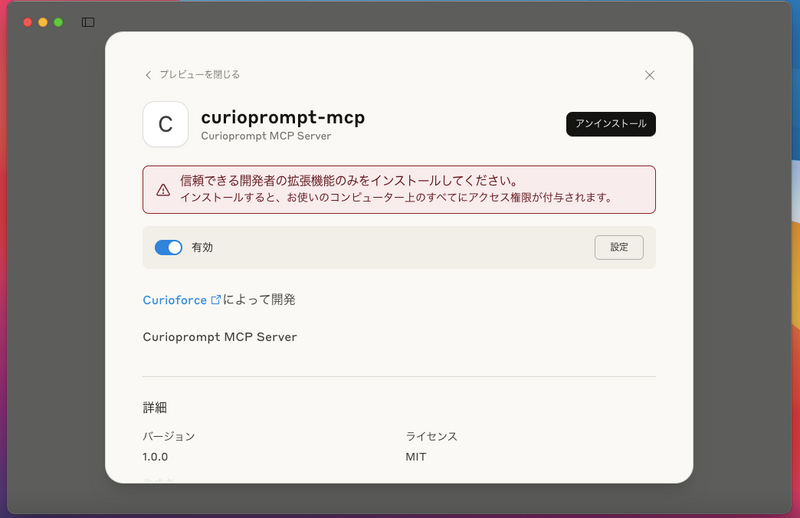
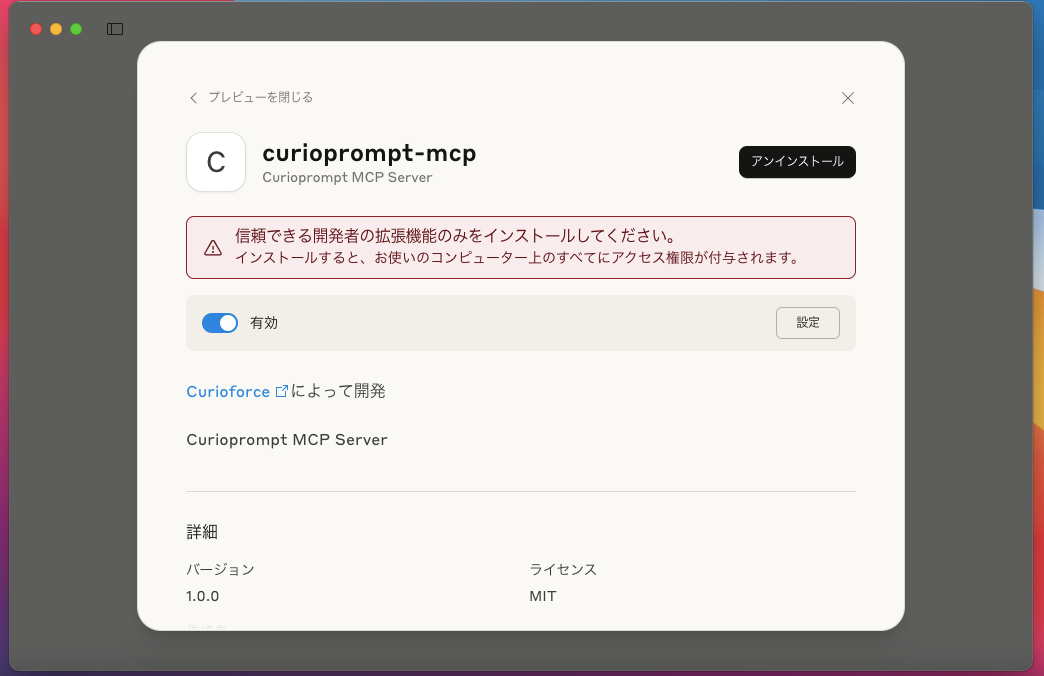
DXT を有効化
Enable the DXT
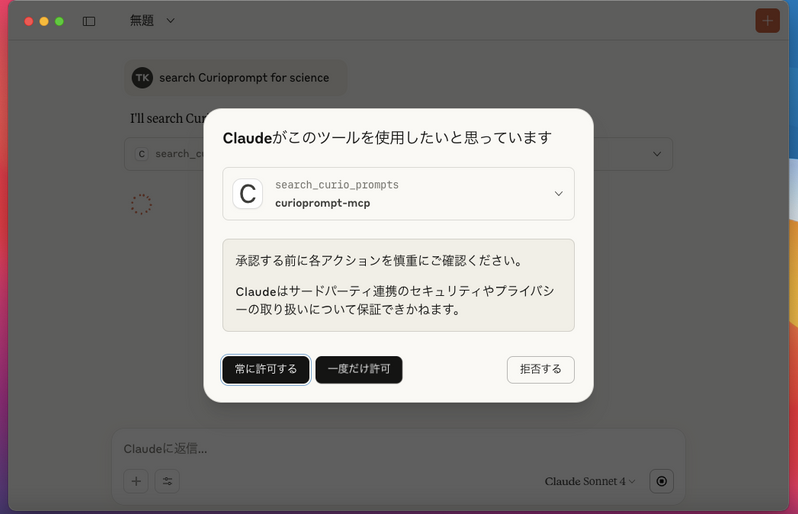
インストール後、DXT を有効にして Claude に利用を許可します。
After installation, enable the DXT and allow Claude to use it.
macOS Sequoia 15.x · Apple SiliconmacOS Big Sur 11.x · Intel